Mastering AI with Microsoft CoPilot & the Microsoft 365 Ecosystem
A practical workshop for teams and individuals who rely on Outlook, Word, Excel, PowerPoint, Teams, and the Power Platform.
Session Overview
Microsoft CoPilot brings powerful AI directly into the tools millions of people use every day—Outlook, Word, Excel, PowerPoint, Teams, OneDrive, and SharePoint. This workshop is designed for beginners and intermediate users who want to move beyond simple prompting and learn how to integrate AI into real workflows. Whether you’re using Microsoft 365 at work, personally, or both, we’ll break down how CoPilot works, why it matters, and how to get consistently better results across drafting, analysis, planning, research, and collaboration. You’ll learn the fundamentals of AI, how to write reliable prompts, how to use the Microsoft Graph for richer context, and how to build reusable assistants or lightweight agentic workflows using CoPilot Studio and Power Automate. By the end, you’ll understand not just how to use CoPilot—but how to think with it.

In this session, we’ll explore:
- What AI is, how modern models work, and why CoPilot behaves the way it does
- Why hallucinations happen and how to prevent them with structured prompting
- How “context” works inside the Microsoft Graph and why it strengthens AI outputs
- How to use CoPilot effectively inside Outlook, Word, Excel, PowerPoint, and Teams
- How to build your own AI assistants and automations using CoPilot Studio
- How AI is reshaping organizations and the rise of “vibe teams”
- How creative AI tools in the Microsoft ecosystem work across media
- What’s coming next as AI and Microsoft 365 continue to evolve
What people are saying
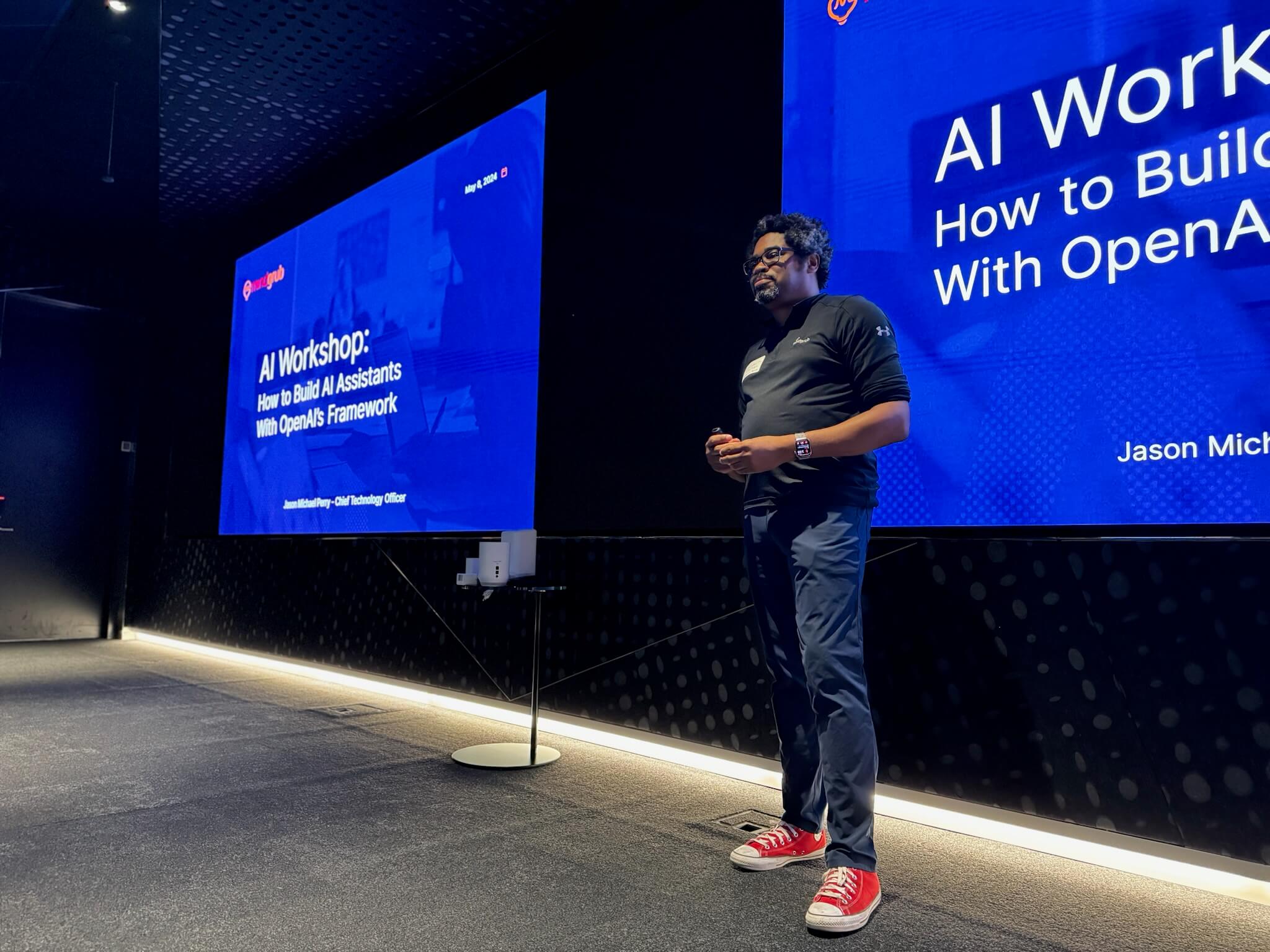
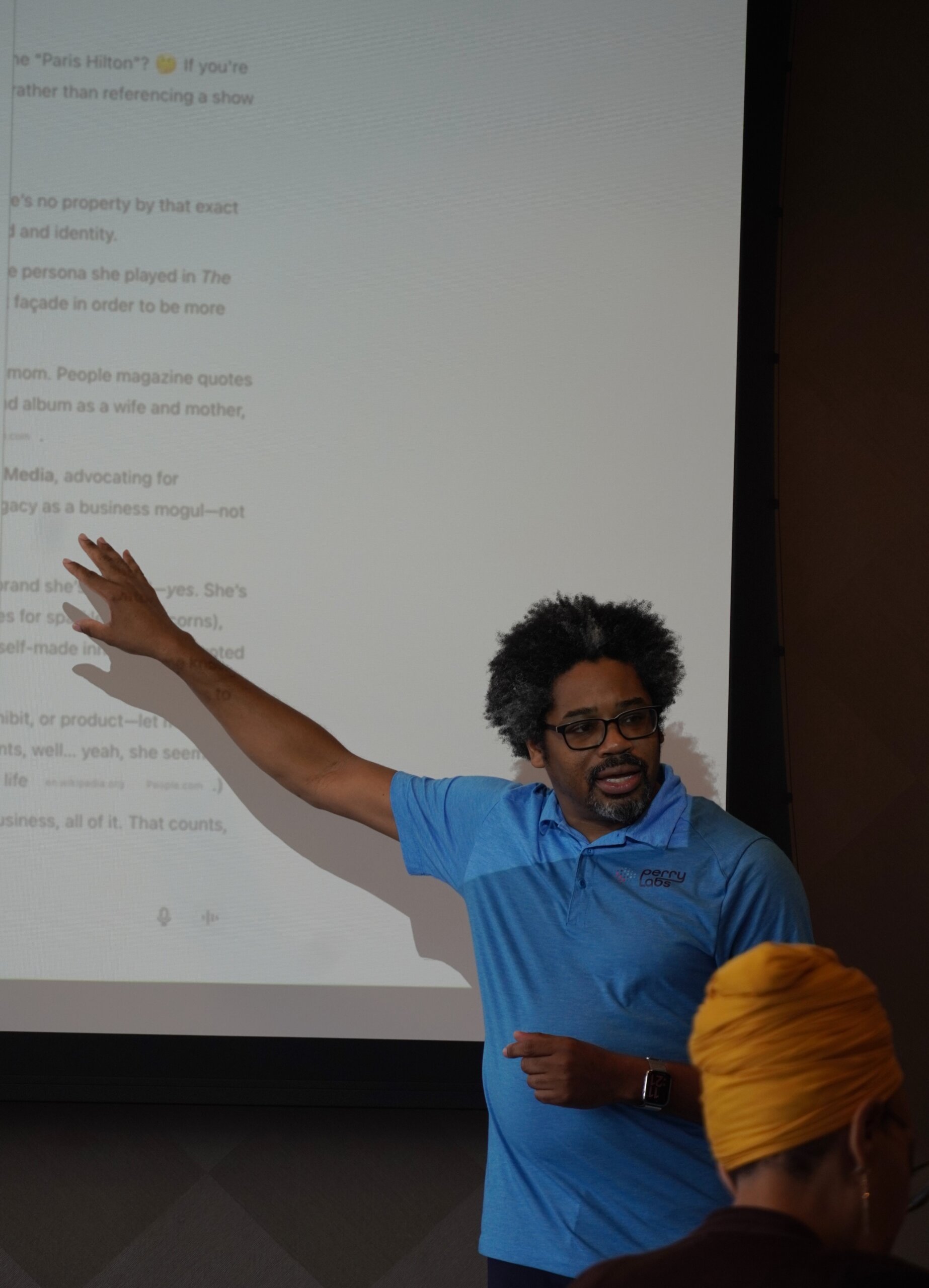
Jason Perry’s AI talk at the Maryland Innovation Center was nothing short of captivating. His engaging delivery, real-world examples, and hands-on exercises helped solidify the value of integrating AI into everyday life and business.
It was great insight into the use of AI from a different perspective than simply ask and answer a question.
Excellent information in a simple format.
A masterclass by Jason Perry on customization of ChatGPT. The forward-thinking strategies discussed have opened new avenues for me to explore.
Very much enjoyed the presentation! Interesting to see the variety of AI products available.
It was the perfect beginners look at AI.
Workshop Outline
I. Welcome + The AI Evolution Framework
A high-level introduction to how the workshop is structured, what tools we’ll be using, and how AI fits naturally into Microsoft’s productivity and collaboration ecosystem.
- Overview of tools and scope
- How the day flows
- What to expect from hands-on examples
II. AI Fundamentals
A clear, beginner-friendly introduction to how AI works, what modern models are capable of, and why this moment matters for individuals and organizations.
- What AI is and why it’s different now
- What AGI means and where we are on that path
- How models learn and generalize
- What generative AI actually does
- What foundation models are
- Overview of Microsoft foundation models
III. Core Concepts for Reliable AI Use
We break down the essential concepts needed to use AI reliably—why prompts matter, how hallucinations happen, and the mechanics behind context and tokens. Participants learn how to write instructions that consistently deliver better results.
- What a prompt is
- Why hallucinations happen and how to reduce them
- What context windows are
- What tokens are and why they matter
- How to write a good prompt
- Simple prompt frameworks (RTCCO and variations)
IV. Importance of Data & Context
This section shows how AI becomes dramatically more useful when given context, and explores the tools and architectures that help models work with real information safely and effectively.
- Why context increases accuracy
- Connecting AI to internal or external data
- Introduction to RAG in plain English
- What MCP does and why it matters
V. Exploring CoPilot Across Microsoft 365
A hands-on tour of how CoPilot enhances the tools you already use—drafting, summarizing, analyzing, planning, and searching across the entire M365 suite.
- Outlook: Summaries, drafting, triage
- Word: Drafting, rewriting, editing
- Excel: Data analysis, formula suggestions
- PowerPoint: Generating full presentations
- Teams: Meeting summaries, insights, follow-ups
- OneDrive/SharePoint: Grounded information retrieval
VI. Assistants, CoPilot Studio, and Agentic Workflows
We move from one-off prompts to reusable systems. Participants learn the difference between assistants, Gems (and GPT-style tools), and early agentic workflows that can chain actions or automate tasks.
- What an Assistant is
- Turning instructions into reusable behaviors
- CoPilot Studio for building custom CoPilots
- How agents differ from assistants
VII. Vibe Teams and the New Organizational Model
A modern look at how AI is reshaping teamwork, replacing traditional MBA-style hierarchies with flexible, fast-moving “vibe teams” that integrate AI as a core collaborator. This section helps participants understand not just the tools, but the cultural shift around them.
- How AI shifts roles, responsibilities, and expectations
- Old vs new org structures
- From rigid workflows to AI-augmented fluid collaboration
- How teams now mix human strengths with AI capabilities
- Why vibe teams outperform traditional siloed teams
- The emerging role of a CAIO and AI fluency across departments
VIII. Creative AI
A fun look at how AI generates media across formats—including images, music, video, voice, and app creation—to spark imagination and broaden understanding of what modern models can do.
- Image generation tools
- Video and animation creation
- Music and voice tools
- Generating simple apps or utilities
IX. Governance and Responsible AI Use
A practical discussion about using AI safely at home and at work, with an emphasis on ethics, privacy, silent IT, and the emerging governance challenges organizations face.
- AI ethics and responsible use
- Silent IT and the risks of unmanaged AI usage
- Privacy and data exposure concerns
- What organizations need to consider for governance
- How to use AI personally without creating risk
X. A Look to the Future
We close with a forward-looking discussion on where AI is headed—from larger context windows to fully automated agentic systems—and how individuals and organizations can prepare for what’s coming.
- What individuals should start doing now
- The future of agents
- Expanding context and memory
- AI as an operating layer across tools
Additional Resources
- Workshop FAQs – Find answers about what’s included, policies, and how to prepare.
- Resources & Downloads – Access course files, templates, and useful links.
- Locations & Venues – View upcoming cities and venue details, or request one near you.
Upcoming Workshops
This workshop currently has no scheduled sessions.
If you have questions or would like to schedule a private class, reach out and contact us.
Upcoming Workshops
This workshop currently has no scheduled sessions.
If you have questions or would like to schedule a private class, reach out and contact us.