
Issue #93: The Gemini Glow-Up
Howdy 👋🏾. This week on the podcast, I’m talking with Dawn Shirey, who’s leading the AI rollout for students and teachers at Baltimore City Public Schools. In our conversation, Dawn and I talked a lot about the tools the school system picked and how they’re using them day to day.
Now, this may not come as a shock, but PerryLabs invests heavily in AI tools. We have subscriptions to Gemini, Copilot, Claude, OpenAI, Perplexity, and whatever else the team is testing in a given week. I try to stay fluent in all of them, but I mostly bounce between Perplexity for search and ChatGPT or Claude for everything else.
But prepping for a training session for a company that runs on Google forced me to go all-in on the Google side for a few weeks. My timing couldn’t have been better. Google dropped Gemini 3 right in the middle of my prep, which, as I mentioned in last week’s newsletter, reportedly triggered a Code Red at OpenAI and may push them to accelerate the next version of ChatGPT.
Here’s the thing about AI, something I mention constantly: these systems shine when they have your data. Google has a lot of my data, especially because PerryLabs runs on Google Workspace. Gemini isn’t just a great model; it’s a model that can read your email, turn a chain of messages into a Google Doc or slide deck, or create an infographic using its amazing Nano Banana from a conversation thread with an expert.
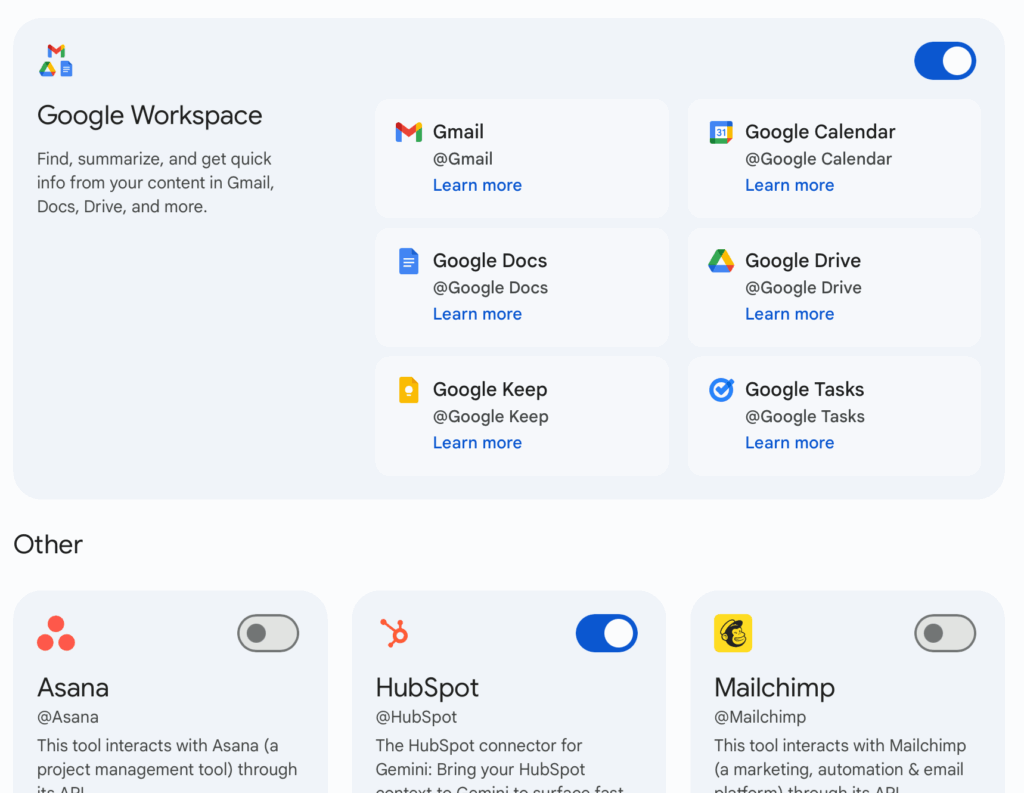
I’ve talked a lot about OpenAI’s connectors, and Google now has its own version inside Gemini called Apps. These let you flip on access to different parts of your Google world with a single toggle. Right now, Google has fewer connectors than ChatGPT or Claude, but you can already see where this is going. More are coming, and fast.
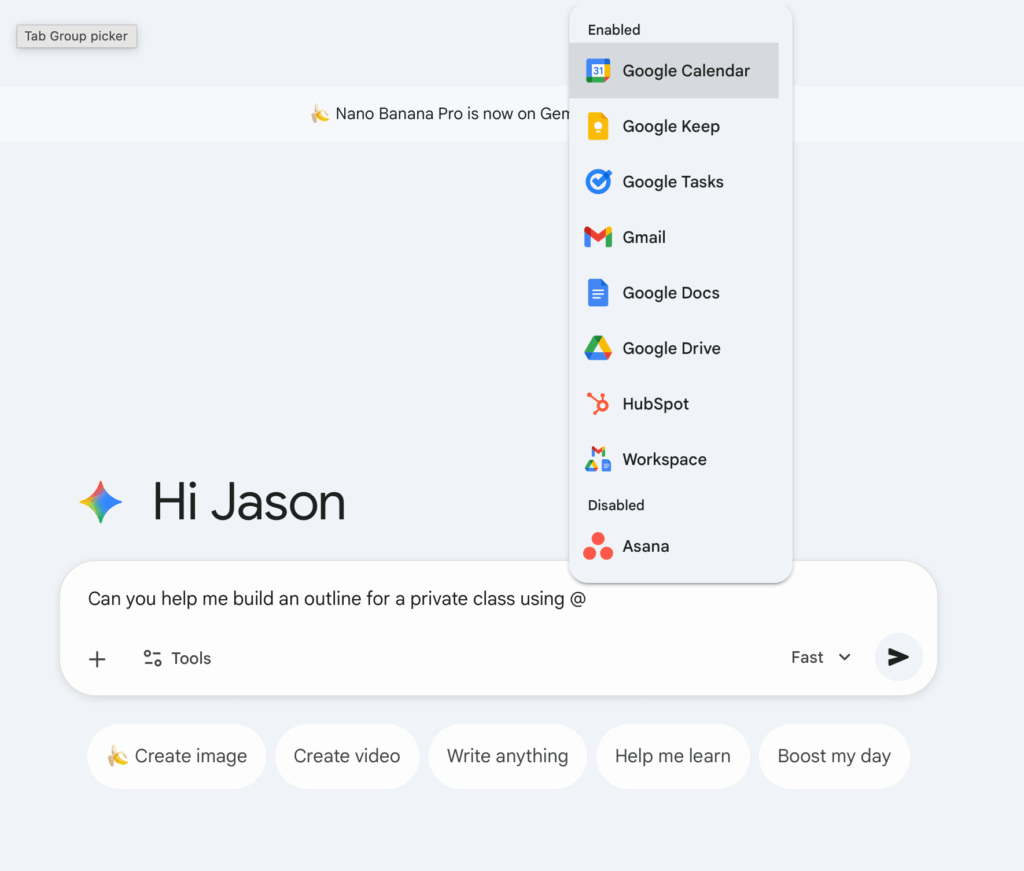
Once you enable these Apps, the real magic shows up. You can hit the “@” symbol and instantly pull up every integration you’ve unlocked, then talk directly to Google tools the same way you speak to the model.
These things were technically possible before, but they were always stitched together. Copy those emails into a prompt, paste text in another window, and use Gamma to build slides because PowerPoint or Google Slides couldn’t quite do what you needed. Gemini makes it feel native.
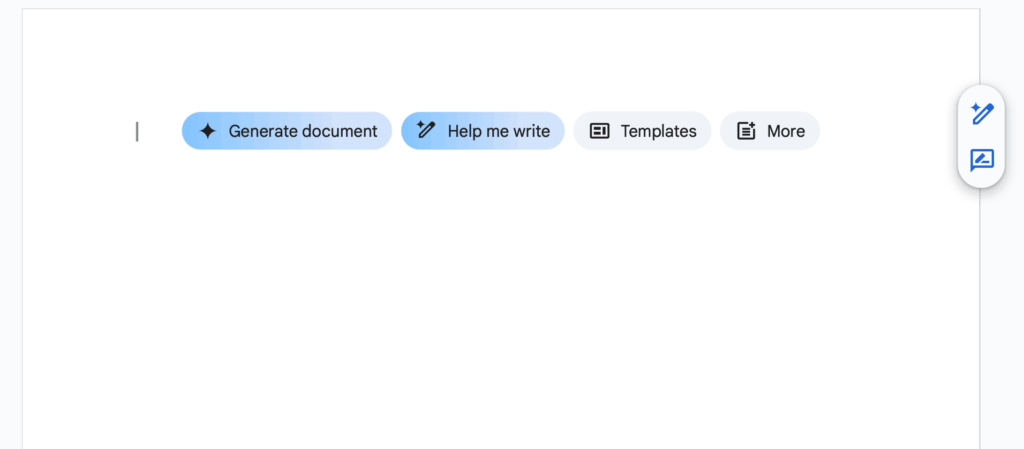
When I say native, I mean those same abilities now happen inside Google Docs or Google Slides. For example, I used a custom slide deck as a reference to help me build the outlines for my upcoming workshops. I generated a Google Doc, used the @ menu to point it to an existing slide deck, and Gemini pulled everything together cleanly. Google Sheets can now fill a column with HubSpot data the exact same way, using one of the new connectors.
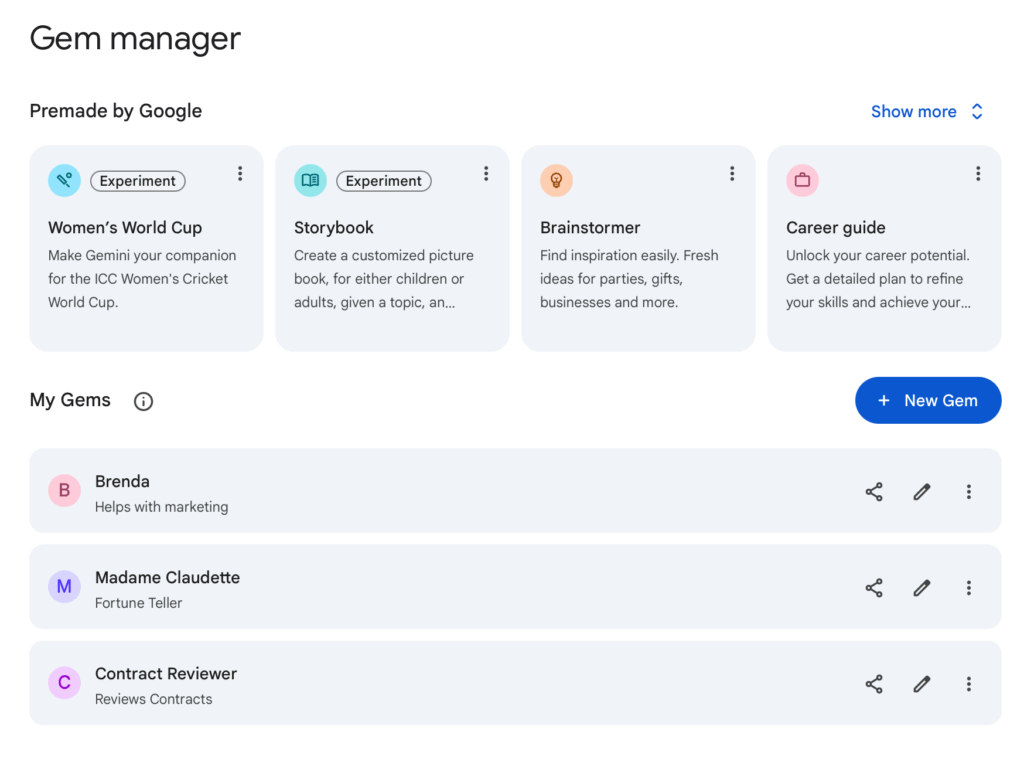
One of my favorite features, as Dawn brings up in our conversation, is Google Gems. A Gem is basically Google’s version of OpenAI’s GPTs: a custom assistant with a personality and instruction set. Google also offers a ton of templates for existing gems you can use as a starting point. The magic is that, because it’s Google, you can share them the same way you share a Google Doc. Inside the org, outside the org, no friction.
Google also released AI Workspace Studio, its take on workflow builders like N8N or Zapier. It lets you chain together AI actions, such as reading an email and labeling it, pulling data into Sheets, routing threads into folders, and more. It’s early, but it’s promising.
In January, I’m doing an in-depth session on Copilot for a client, so I’ll report back in a few weeks on what the Microsoft side feels like these days.
All that said, we are still early in the AI era. But if you have a Google Workspace account, personal or work, this is a good week to give it another look.
One last note: I’m putting the new 2026 workshops on the website soon. We’ll be running sessions on Gemini, on Copilot, and several hands-on AI fundamentals. They’ll happen in person at our new Mt. Vernon office, on-site for teams, and virtually.
-jason
🎙️ How Are Baltimore City Schools Preparing for AI?
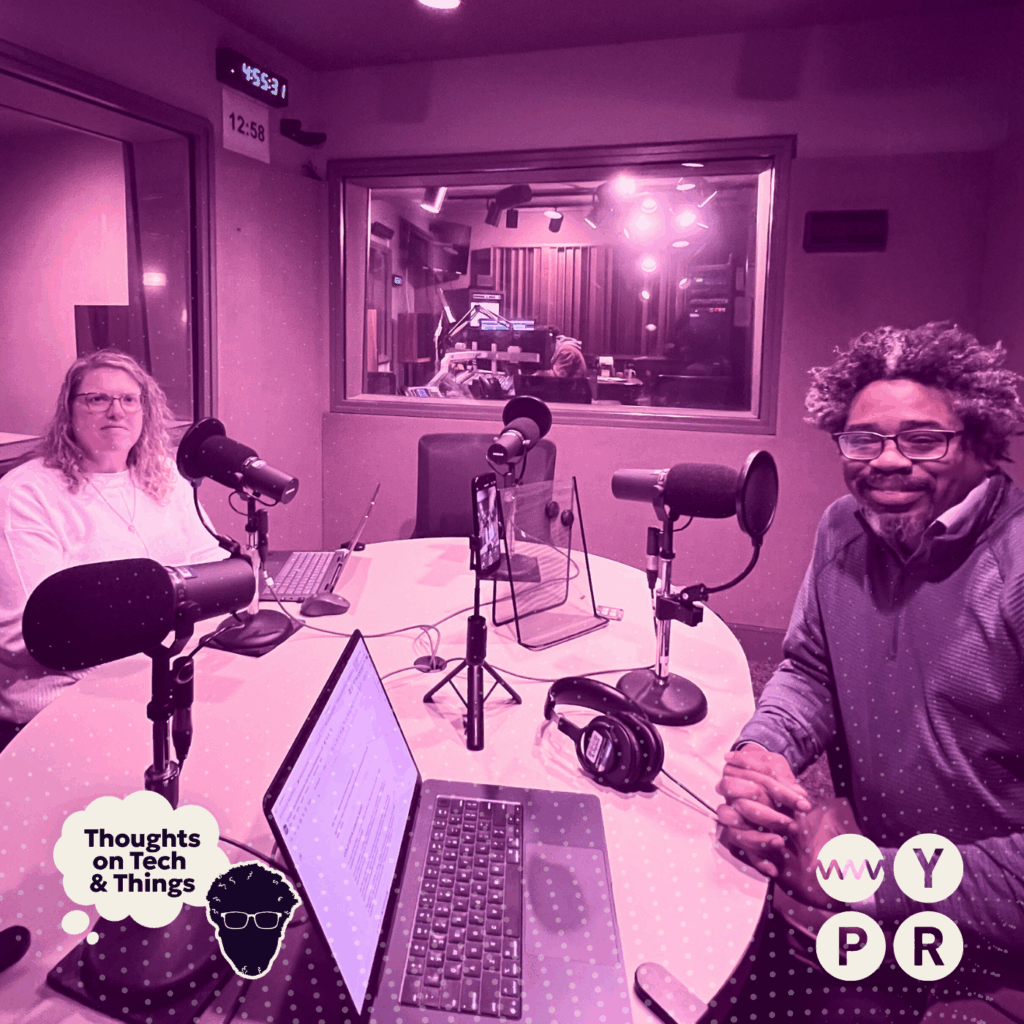
This week, I sat down with Dawn Shirey, Director of Virtual Learning and Instructional Technology for Baltimore City Public Schools, to look at how a major urban district is preparing its educators and students for an AI-driven future. We talked about the district’s new AI Guidance why it was built to evolve rather than restrict, and how teachers are being supported as they learn prompt-writing, responsible use, and practical classroom applications.
We also explored how students and families are reacting to tools like Microsoft Copilot and Google Gemini, and what it means to introduce AI in ways that are safe, transparent, and empowering. With Baltimore’s upcoming Day of AI, a hands-on event designed to bring artificial intelligence to life for both teachers and learners, this episode offers an inside look at how schools are adapting to one of the most significant technological shifts in decades.
WYPR: Listen here | Apple Podcasts: Listen here | Spotify: Listen here
If you missed the last episode, check out:
👉 Why Are Date Centers Suddenly So Controversial?
🔗 Best In Tech This Week
🧩 MCP Is Becoming the AI Connection Standard
The pipes of the AI ecosystem are finally getting standardized. MCP is quickly turning into the universal way AI models talk to external tools and data sources, and Anthropic’s open-sourcing it basically locks that in. Ten thousand active MCP servers is a huge signal that adoption is already accelerating. The win here is that MCP becomes community-driven instead of controlled by one company, which is exactly what the agentic future needs.
🏛️ A Coming Fight Over Who Regulates AI
The policy side of AI is about to get messy. Trump is promising an executive order that would stop states from passing their own AI laws. That would put all AI regulation under federal control and blow up a bipartisan state-level push for guardrails. It’s another sign that the rules of AI aren’t even close to settled, and the next few years will look a lot like the early internet: innovation racing ahead while regulators sprint to keep up.
💻 Claude Code Is Coming to Slack
Coding on the move might finally be real. I’ve grown to love coding with AI inside my IDE, but it chains me to my laptop. The idea of continuing to iterate on a code snippet inside a Slack thread, on the train, between meetings, wherever—sounds incredible. I haven’t tested it yet, and I still don’t think these tools are ready for fully autonomous development, but the direction is right. This could unlock a new “pick up where you left off” workflow for engineers.
🎤 The AI Roadshow: Workshops, Talks & Beyond
January 5 – CES
January 28 – Something fun is dropping… TBD
February 10 – WTCI AGILE Series: Cybersecurity in A World Where Reality Could Be Fake
📕The AI Evolution
I wrote The AI Evolution as a practical guide for leaders, builders, and anyone interested in learning how to use AI effectively. This book is about clarity, strategy, and what it takes to bring AI into your organization.
If you’re an executive trying to shape AI strategy, a manager looking to empower your team, or a developer wondering how this shift will change your craft, this book was written with you in mind. Purchase your copy here.
P.S. Before we go, a quick Baltimore tech moment.
Right as Waymo announced it’s bringing self-driving cars to the city, someone posted a video of one cruising straight through what looked like an active police standoff. Lights flashing, officers waving it away, and this thing just kept rolling like it was obeying the world’s most confident GPS.
It’s one of those edge cases no one thought to put in the handbook: “What should a robot do when the road is closed because of… a standoff?”